Add a Constraint to a Model
Constraints are restrictions you specify in the Object Constraint Language (OCL). Specify preconditions, postconditions, invariants, and guards to describe logical tests that your software must satisfy. Define queries and derivations to relate values in your software to attributes of other elements.
Consider the following class diagram, which shows a partial model of a software system that manages library loans. A library member can take out a variable number of loans.
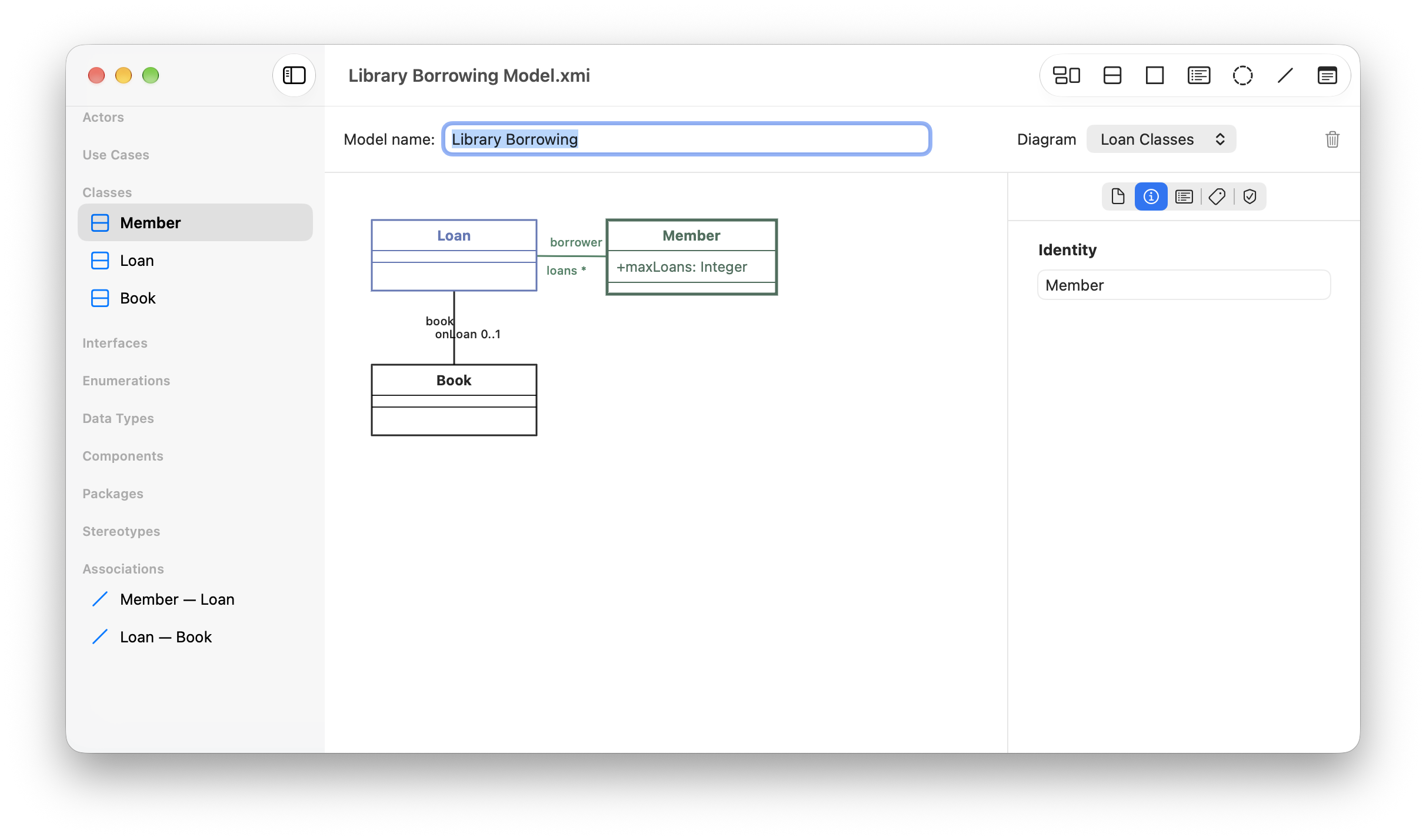
It’s an invariant of this model that the number of loans any member has shouldn’t be greater than the maximum allowed. To add this constraint to the model, follow these steps:
Select the Member class in the diagram canvas.
Navigate to the Constraints inspector, by clicking the shield icon in the inspector view.
Under Add Constraint, use the Kind button to choose Invariant.
Enter the constraint
self.loans->size() <= self.maxLoansin the text field.Click Add.
The Constraints inspector shows that the Member class has the new constraint.
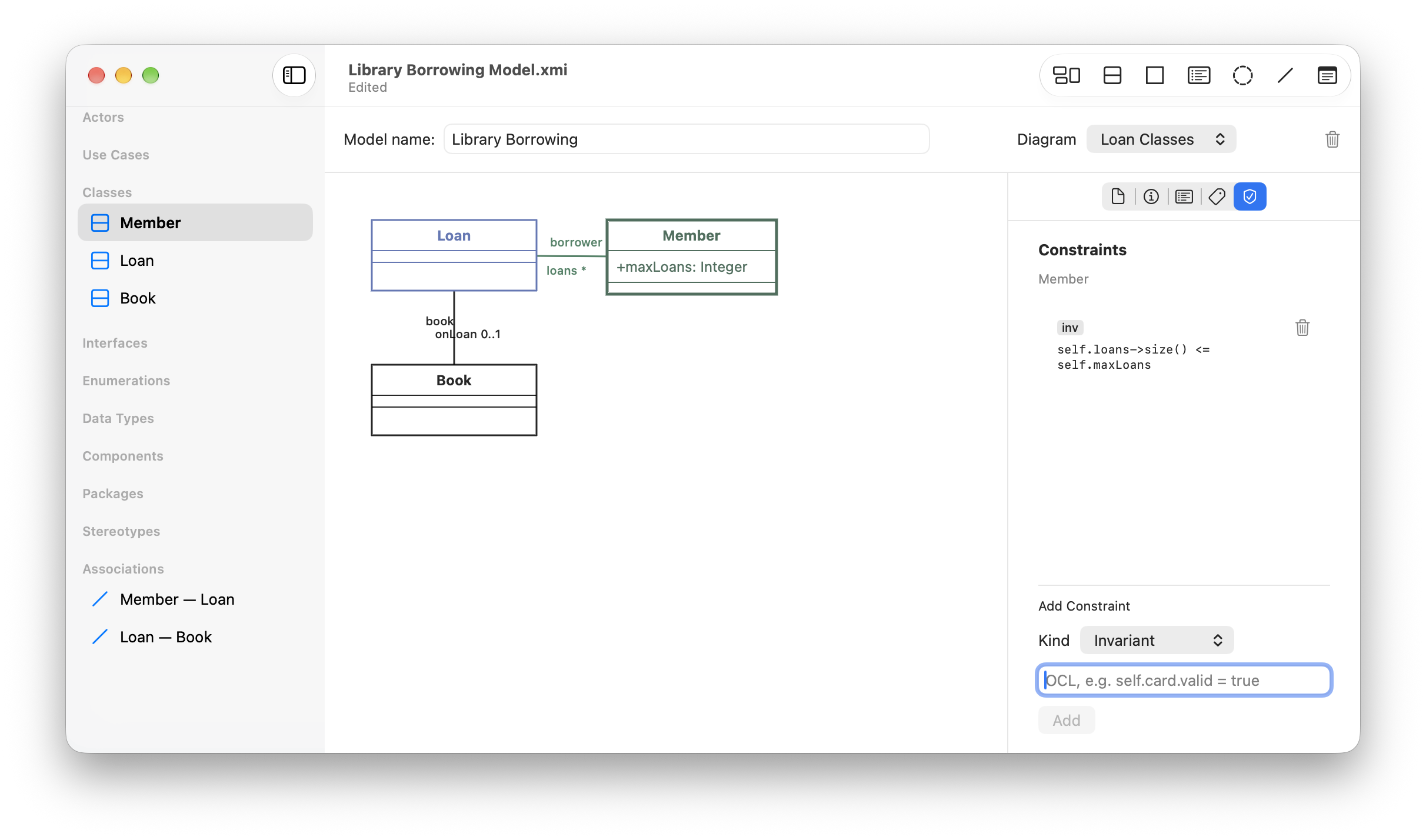
As you type your constraint into the inspector, Axminster checks the syntax and colors your constraint red if it’s invalid. Until you fix the syntax, you cannot add your constraint to the model. When you add a constraint, Axminster checks that the types you use are all part of your model or OCL basic types (String, Boolean, Integer, or Real).